

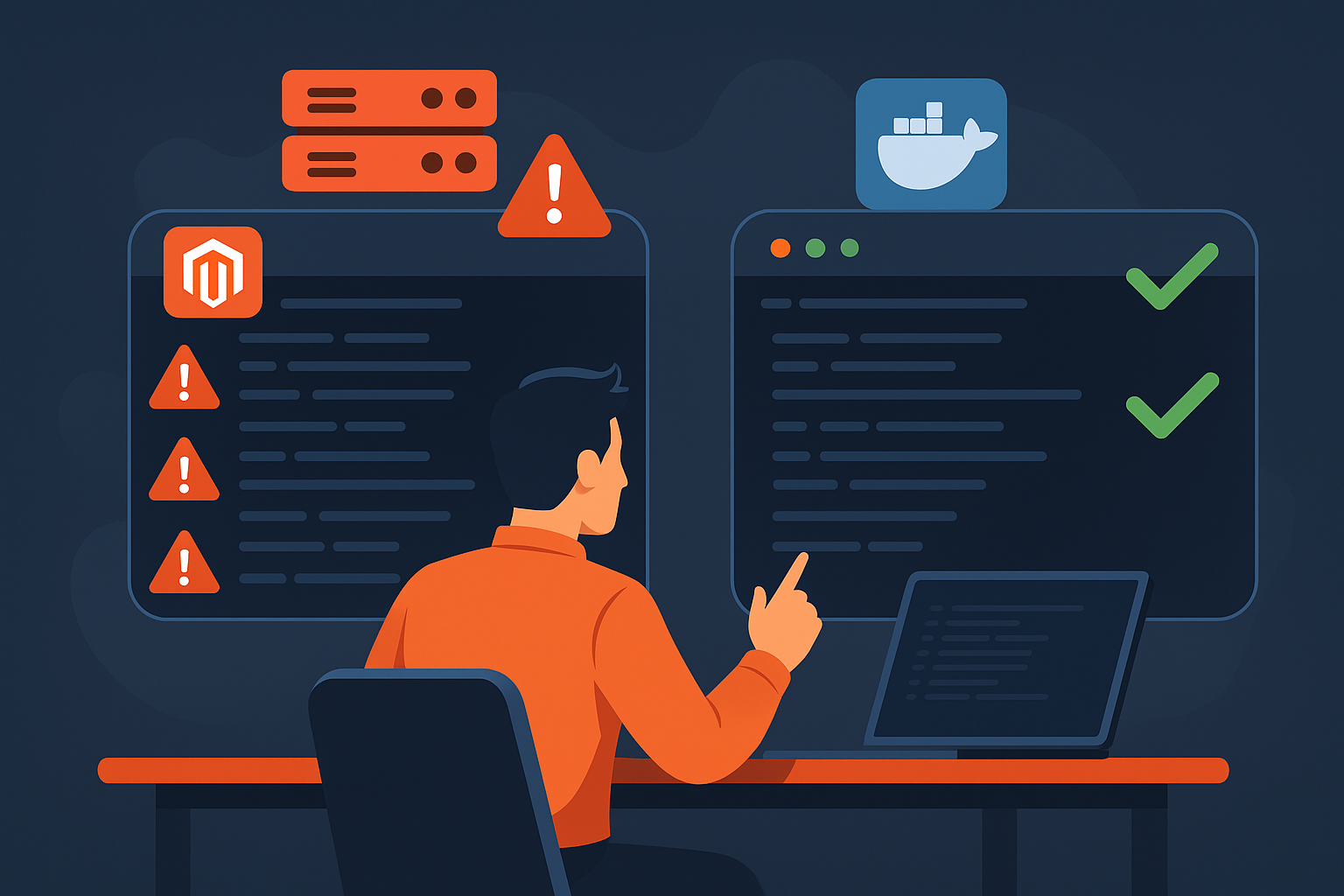
Why I Run Magento 2 Upgrades on Warden First (mage-mirror vs Live Server)
If you’ve ever run bin/magento setup:upgrade, setup:di:compile, or setup:static-content:deploy directly on a live Magento 2 server, you know the feeling:
- SSH into production
- Fire off the command
- Watch CPU spike, fans spin, and page loads crawl
- Hope nothing times out while customers are trying to shop
It works… until it doesn’t. And even when it does, you’re tying up your live server and debugging issues in the one place you really don’t want surprises.
That’s why my default Magento 2 workflow now is: run everything on a local Warden environment first, using my mage-mirror script to bootstrap the stack, and only then promote changes to production.
In this post I’ll walk through that workflow and show, with a real side-by-side screencast, why it’s faster, safer, and much less stressful than doing the same work on a live server.
The problem with running heavy Magento commands on live
Magento 2 is powerful, but some of its maintenance commands are heavyweight:
bin/magento setup:upgradebin/magento setup:di:compilebin/magento setup:static-content:deploybin/magento cache:flush
On a live server these can:
- Temporarily slow down checkout and category browsing
- Fight with PHP-FPM and MySQL for resources
- Expose customers to half-deployed states if something goes wrong
- Make debugging painful, because you can’t freely hack or restart services without affecting traffic
You can be careful and run commands during maintenance windows, but you’re still testing directly on the system that pays the bills. I’d much rather find out about bad modules, missing classes, or compile errors on a throwaway environment that I control 100%.
Enter Warden + mage-mirror: a dedicated local stack for Magento 2
For my local development stack I use Warden (Docker-based environment for PHP/Magento) and a script I built called mage-mirror.
Warden gives me:
- Isolated containers for Nginx/Apache, PHP-FPM, MySQL, etc.
- Nice
.testdomains and TLS for local sites - Per-project environments that are easy to throw away and recreate
On top of that, mage-mirror automates most of the tedious setup:
- Guided setup for Magento 2 + Warden
- Optional Hyvä theme install for a modern frontend
- Clone/upgrade workflows so I can mirror a live site locally
- Multi-store routing and sensible defaults for dev
You can find the script here (open source):
https://github.com/j-scriptz/mage-mirror?utm_source=wp.jscriptz.com
Video: Warden dev vs live server running Magento commands
To make this more concrete, I recorded a screen capture of my Warden dev environment and my live server side by side running:
bin/magento setup:upgradebin/magento setup:di:compilebin/magento setup:static-content:deploybin/magento cache:flush
On the local Warden container, these commands run quickly and I can see logs scroll by in my terminal without worrying about customers or timeouts. On the live server, the same sequence is noticeably slower and ties up resources that should be serving real traffic.
After you upload the MP4 to your media library, embed it here. For example:
Even without timestamps, the visual difference is obvious: on local Warden, Magento is happy to chew through work all day long. On live, every long-running command is something you have to schedule and babysit.
My Warden + mage-mirror workflow for Magento 2 changes
Here’s the high-level workflow I use when I’m making changes to a Magento 2 site (new module, theme work, upgrades, etc.).
1. Bootstrap the local environment with mage-mirror
First, I spin up a fresh dev environment with the script:
# from your projects directory
./_mage-mirror.sh
The script walks me through:
- Project name and domain
- Magento version
- Optional Hyvä install
- Multi-store options
Under the hood, it configures Warden, sets up Docker services, and gets Magento to a point where I can log into the admin and start working.
2. Mirror the live site (code, DB, media)
For upgrade or bugfix work, I’ll mirror the live site into this environment:
- Pull the codebase (Git clone or rsync)
- Import a sanitized DB dump from live
- Sync media files if needed
Once that’s in place, my dev environment behaves like a safe clone of production: same modules, same configuration, same catalog, but isolated on my machine.
3. Run all the heavy Magento commands locally
Now I run the commands I usually dread running on live:
bin/magento maintenance:enable

bin/magento setup:upgrade
bin/magento setup:di:compile
bin/magento setup:static-content:deploy -f
bin/magento cache:flush

bin/magento maintenance:disable
If there are problems, I can:
- Tail logs aggressively
- Disable problematic modules
- Re-run commands multiple times
- Destroy and recreate the environment if I’ve made a mess
All without risking production or annoying paying customers.
4. Fix issues, commit, and push
Once everything compiles and deploys cleanly, I fix whatever needs fixing (dependency injection issues, missing classes, configuration problems), then commit those changes to Git and push them to the remote repo used by production.
5. Deploy to live with minimal disruption
On the live server (or CI/CD pipeline), I’m now running commands that have already been “proven” on Warden:
- Pull the new code
- Run
setup:upgradeand any required deployment commands - Warm caches, check logs, and test key flows
Because the heavy work was rehearsed locally, this step usually goes from “hope and pray” to “just follow the plan”.
Benefits of this workflow
Running Magento 2 commands on Warden first gives me a few important advantages:
- Speed: Local containers on a decent machine run Magento maintenance commands much faster than a busy production host.
- Safety: I can break things on dev without taking down checkout or catalog browsing on live.
- Debuggability: Logs, Xdebug, service restarts, and experimental config changes are all fair game locally.
- Repeatability: With
mage-mirror, spinning up a fresh environment for a new feature or upgrade is predictable and scriptable. - Confidence: By the time I run commands on live, I’ve already seen them succeed on an environment that looks very similar to production.
Try mage-mirror on your next Magento 2 project
If you’re already using Warden or thinking about containerizing your Magento 2 dev environment, I highly recommend giving this workflow a try.
The mage-mirror script is open source and lives here:
https://github.com/j-scriptz/mage-mirror?utm_source=wp.jscriptz.com
Clone it, run through the guided setup, and start rehearsing your upgrades and deployments on Warden before touching live. Once you feel the difference between “I hope this works” and “I already saw this work”, it’s hard to go back.